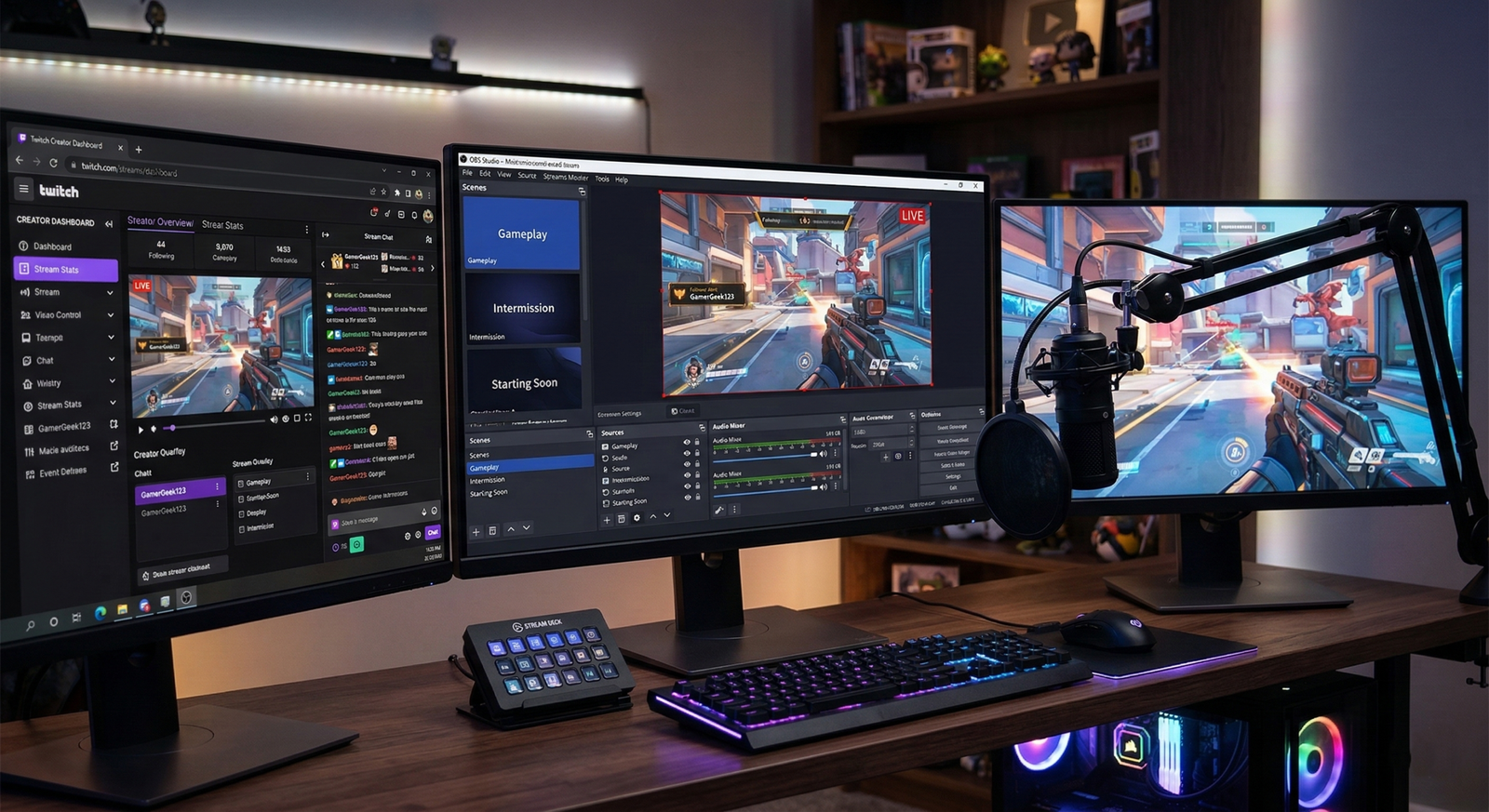
When it comes to broadcasting your gameplay to the world, the software you choose is the foundation of your streaming career. While there are several “plug-and-play” options available that promise simplicity, OBS Studio (Open Broadcaster Software) remains the undisputed industry gold standard—and for good reason.
Whether you are just starting your first Twitch channel or you’re a seasoned creator looking to polish your production value, here is an in-depth look at why OBS is the powerhouse you need to take your content to the next level.
1. Completely Free and Open Source: No Hidden Costs
The most immediate, and perhaps most attractive, benefit of OBS is the price tag: $0. Unlike proprietary streaming software that often locks essential features—such as multi-platform streaming, custom watermarks, or high-bitrate encoding—behind a monthly subscription paywall, OBS is entirely open-source.
Being open-source means you aren’t just a “customer” being sold a service; you are part of a community. Every streamer wants their broadcast to have a unique identity. OBS allows for total creative control over your layout. You get a professional-grade suite of tools without a single cent of financial barrier to entry, ensuring your entire budget can go toward better microphones, lighting, or a superior GPU.
2. Infinite Customization with Scenes and Sources
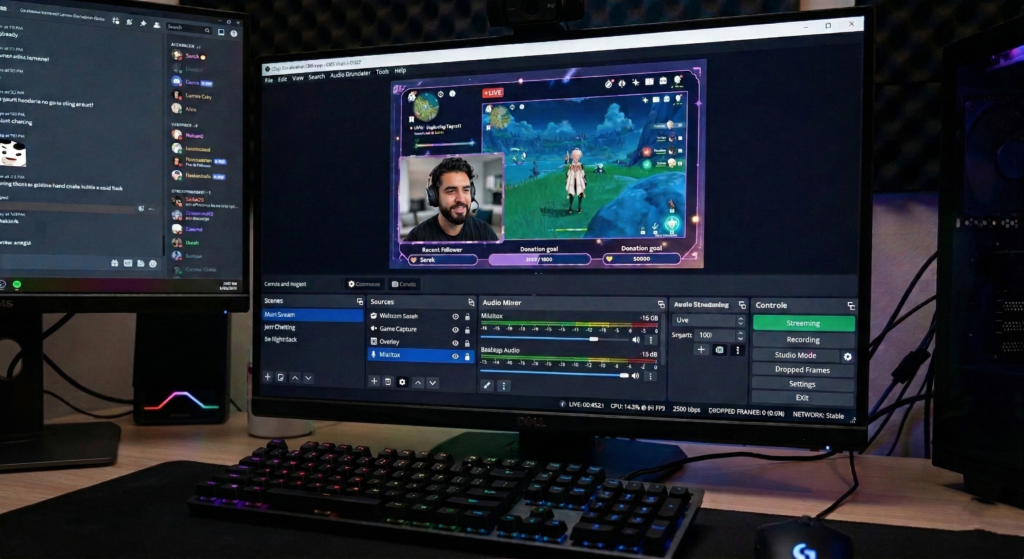
The heart of OBS is its “Scene” and “Source” architecture. This isn’t just a feature; it’s a sandbox for your creativity.
- Scenes: You can pre-configure different “layouts” for different moments. Switch seamlessly between a “Starting Soon” screen, an “Intermission” chat-focused view, and your “Main Gameplay” scene.
- Sources: Layer your game capture, webcam, dynamic alerts, donation goals, and chat overlays exactly where you want them.
This flexibility allows your stream to have a distinct “brand” identity. You aren’t forced into a template that thousands of other streamers are using; you can build something that looks, feels, and moves exactly the way you want.
3. High Performance and Low Resource Impact
Gaming and streaming simultaneously is one of the most taxing tasks for a computer. OBS has spent years optimizing its architecture to be as lightweight as possible.
- Hardware Encoding: OBS offers native support for NVIDIA NVENC and AMD AMF/VCE. This is a game-changer because it offloads the heavy lifting of video encoding from your CPU to your GPU, keeping your game running smoothly without frame drops.
- Granular Control: Unlike simplified software that makes “guesses” for you, OBS gives you complete control over your bitrates, resolutions, and keyframe intervals, allowing you to fine-tune your settings to match your specific upload speed and PC hardware perfectly.
4. The Power of the Plugin Ecosystem
Because OBS is open-source, the community has built a massive library of plugins that turn a simple broadcasting tool into a mini-studio. The possibilities are nearly endless:
- The “Move” Transition: Add professional-looking, animated transitions between your scenes so they don’t just “cut” abruptly.
- Stream Deck Integration: Control your entire stream with physical buttons, switching scenes or muting audio with a single tap.
- Advanced Audio Processing: Utilize VST plugins (Virtual Studio Technology) to add compressors, noise gates, and limiters directly to your microphone, making your voice sound like you’re broadcasting from a high-end studio.
5. Multi-Platform Versatility and Local Recording
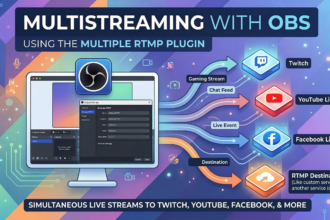
You aren’t limited to just one platform. OBS makes it incredibly easy to stream to Twitch, YouTube, Kick, Facebook Live, or even multiple RTMP destinations simultaneously. Furthermore, it excels at local recording. If you want to create high-quality YouTube “Let’s Play” videos or highlight reels, you can use the same OBS setup to record your gameplay in pristine quality while streaming at a lower bitrate to keep your internet connection stable. It is the ultimate “all-in-one” solution for the modern content creator.
Final Thoughts
While other streaming programs might promise “easier” setups, they often come with limitations, performance bloat, or subscription costs. Learning to master OBS Studio is an investment in your channel’s future. It provides the stability, quality, and creative freedom required to stand out in the crowded streaming landscape. Ready to take your content to the next level? Download the latest version from the official OBS website and start building your professional setup today.

One Comment